Smart Mug Without App Uk
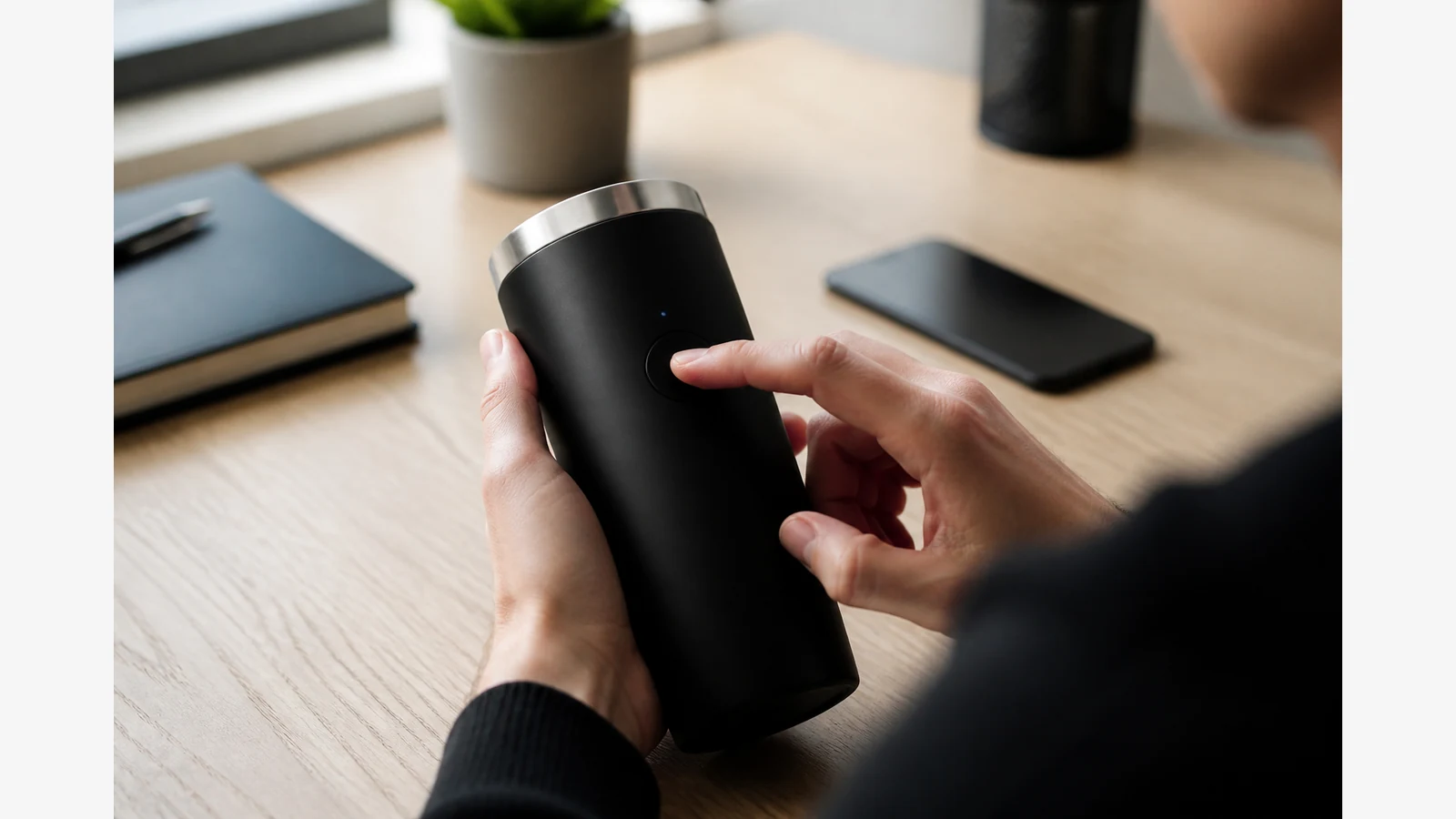
You can buy temperature-holding mugs with on-mug buttons or displays and skip phone pairing entirely. For UK buyers tired of Bluetooth setup, accounts and dropped connections, onboard controls are often the calmer path.
Why “no app” is a real buying filter
Some brands market onboard controls with no app required as a primary feature — for example the Nextmug no-app product positioning. UK marketplace copy for the same category likewise emphasises onboard control and no-app setup, as on the Nextmug UK Amazon listing highlighting no-app control. UK buying guides also advise choosing button/LED versus app control deliberately rather than assuming an app is mandatory — see the PickReviews control-interface buying advice.
App degree control vs onboard presets
| App / Bluetooth mug | On-mug controls | |
|---|---|---|
| Setup | Pairing, updates, accounts | Power on and tap or press |
| Precision theatre | Often finer remote tweaks | Presets or simple display steps |
| Failure mode | Phone battery, OS updates, Bluetooth drops | Physical buttons/display wear |
| Privacy surface | App permissions | Minimal |
UK buyer checklist
- Setup time — can you change temperature before a meeting without unlocking a phone?
- Desk vs travel — docked desk mugs and bag-first travel cups need different lids and batteries.
- Charging base dependency — a no-app mug can still be dock-locked; charging method is a separate decision (USB-C heated mug charging guide).
- Cleaning — electronics still need hand-wash care (cleaning checklist).
For the wider category, read the self-heating mug UK buyer’s guide and the temperature-control mug decision guide.
Who might still want an app
Remote monitoring fans, multi-profile households, and buyers who enjoy degree-level tinkering may prefer app mugs. Everyone else can treat Bluetooth as optional complexity.
If you are a screen-first shopper evaluating an onboard-control travel mug next, open the Vortex smart travel mug product page.